An animated music video used to mean hiring an animator and waiting weeks. AI tools have collapsed that to an afternoon, provided you pick the right tool for the style you want and you understand what these models do well. This guide covers the animated music video makers we have tested, the styles that hold up across a full track, and the exact steps we use.
Which Animated Music Video Maker Should You Use?
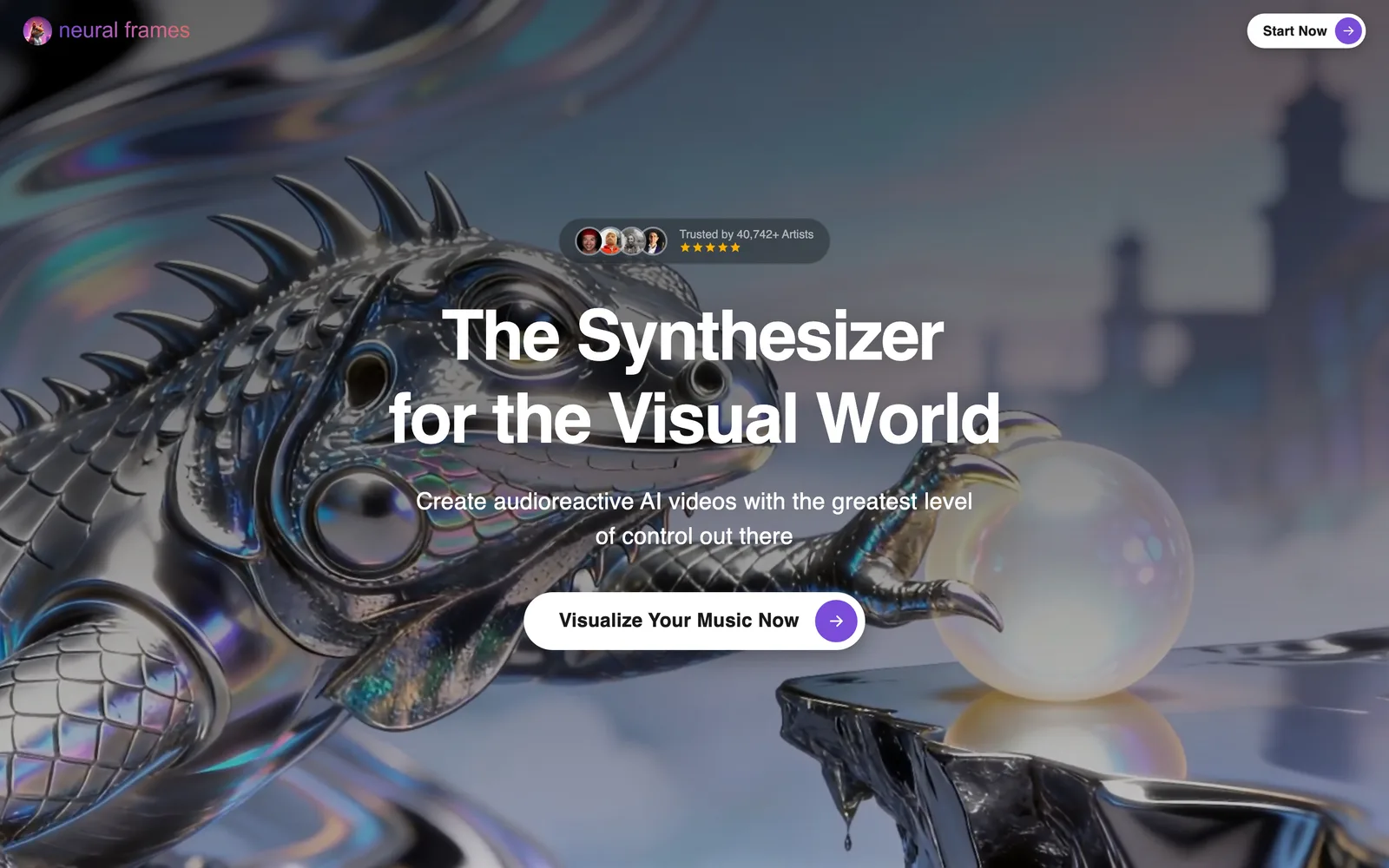
Neural Frames: frame-by-frame animation from your audio
Neural Frames is the closest thing to a purpose-built animated music video maker. It renders every frame from your prompts and reacts to the stems of the track, so the animation breathes with the music. It handles full-length songs, which most generators do not. The learning curve is real and rendering is slow, but the results are the most "animated" of anything we tested. See our Kaiber vs Neural Frames comparison.
Kaiber: stylised, painterly motion
Kaiber produces the most artistically distinctive output, with style transfer that turns reference images into moving illustrations. It suits album art brought to life and dreamlike, loosely narrative videos.
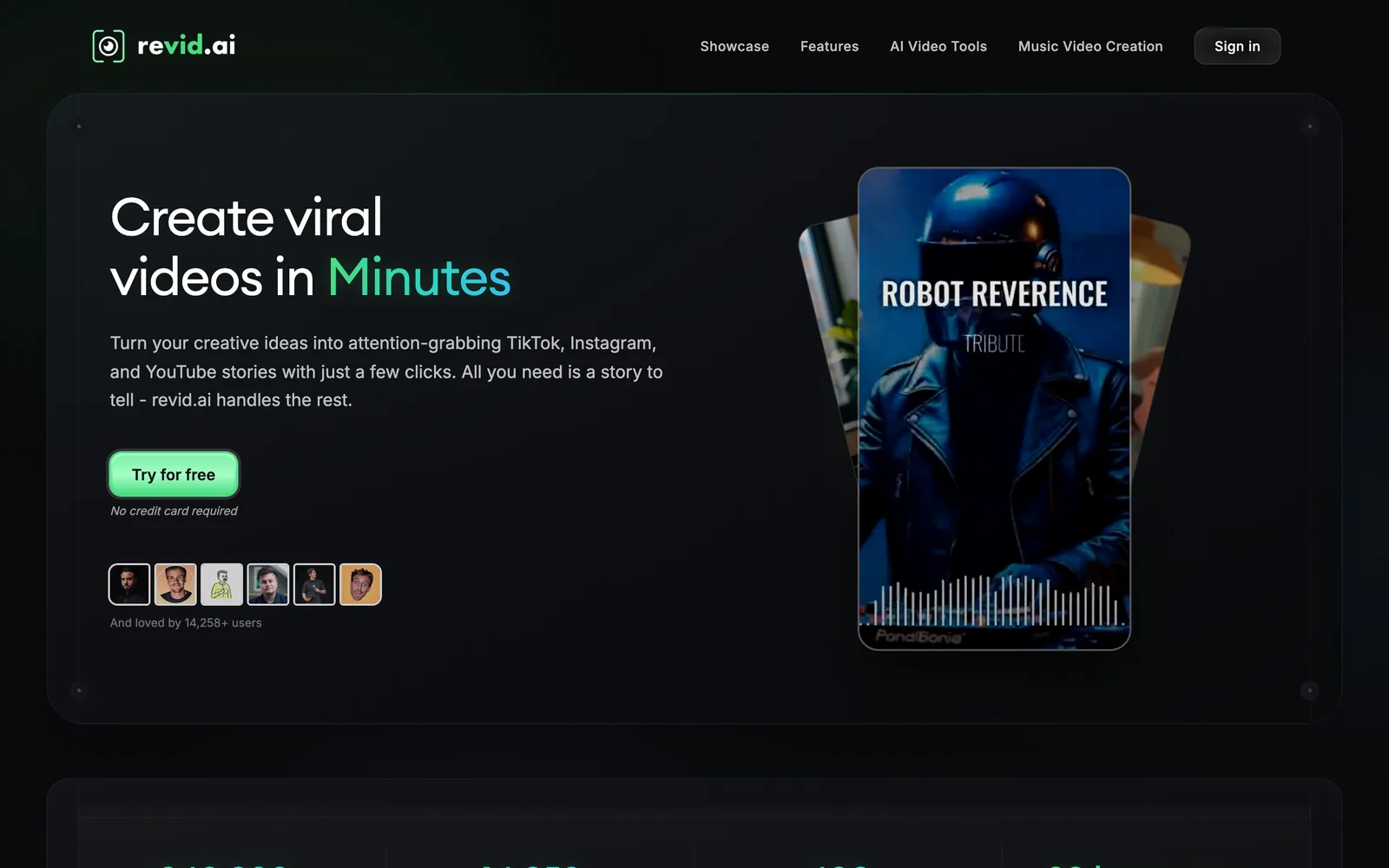
Revid: fast animated visuals cut to the beat
Revid is the quickest route. Choose an animated style, upload the track, and it returns a beat-synced video in minutes. It is less controllable than Neural Frames or Kaiber, but for social releases and lyric-led animation it is the tool we reach for first.
Kling and Pika: character and effect clips
For a character who has to walk, dance or sing, Kling currently produces the most consistent animated motion from an image. Pika adds morphing and cartoon-style effects that work as transitions and hooks. For anime specifically, read anime AI music video generators.
Animation Styles That Work With AI
Abstract and audio-reactive. Shapes, particles and colour fields that move with the track. The most reliable style, because there is no character to keep consistent. Best on Neural Frames and Noisee.
Illustrated and painterly. Moving paintings, ink and watercolour looks. Kaiber's territory. Works for full songs if you accept some drift between scenes.
Character animation. A recurring character or band members as animated figures. The hardest style, because models still lose consistency over long durations. Generate short scenes on Kling from the same reference image and cut between them.
Anime and cel-shaded. Strong demand and strong results for short clips. Keep scenes under ten seconds each.
Kinetic typography. Animated lyrics as the visual. Covered in the lyric video guide.
Step by Step: Animated Music Video in an Afternoon
1. Decide the style before touching a tool. Abstract, illustrated, character or anime. The choice determines the tool.
2. Prepare references. For illustrated and character styles, two or three reference images (album art, a character sheet, a colour palette) keep the output consistent across scenes.
3. Map the song. Note the timestamps of intro, verses, choruses and the drop. Plan a scene or visual shift for each.
4. Generate scene by scene. On Neural Frames, write a prompt per section and let the audio reactivity handle motion. On Kling or Kaiber, generate five to ten second clips per section from your references.
5. Assemble and sync. Bring the clips into CapCut or a desktop editor, snap cuts to the beat grid, and add titles. If you generated on Revid, most of this step is already done.
6. Export for the platform. 9:16 for Reels, TikTok and Shorts; 16:9 for YouTube. Our aspect ratio guide has the sizes.
How Long Does It Take and What Does It Cost?
An abstract animated video on Revid or Noisee: under 15 minutes, free with a watermark or from $19 a month clean. A full-length illustrated video on Neural Frames or Kaiber: two to four hours including renders, on a $20 to $40 a month plan. A character-driven video assembled from Kling clips: an afternoon, with credit costs that scale with how many scenes you regenerate. Compare plans in our real cost of AI video guide.
Common Mistakes
Trying to keep one character consistent for three minutes in a single generation. Using a heavily compressed MP3 so the audio reactivity has nothing to react to. Generating in the wrong aspect ratio and cropping later. Skipping the scene map and ending up with a video that never changes at the chorus. Our AI music video mistakes guide covers the fixes.
For every tool's scores, pricing and format support, see the full ranking.