

Lyric videos occupy a specific and underserved niche in the music video ecosystem. They are cheaper than full production videos, faster to produce, and often outperform traditional music videos on streaming platforms because they give listeners something to read along with. For independent artists, a well-made lyric video can be the primary visual for a release, not a placeholder, but the actual content strategy.
AI tools have made lyric video production dramatically faster, but the quality range is wide. Some tools produce kinetic typography that rivals professional motion graphics. Others slap static text on a vaguely animated background and call it done. Here is where each tool lands.
What Makes a Good AI Lyric Video
Three things separate a good lyric video from a bad one: timing accuracy, typographic design, and visual integration. The lyrics need to appear and disappear in sync with the vocal delivery, not just approximately, but with the precision that lets a viewer read along without effort. The typography needs to be readable, styled intentionally, and varied enough to maintain interest across a full track. And the text needs to feel integrated with the visual background, not pasted on top of it.
Most AI tools fail on at least one of these. General-purpose video generators handle the visual background well but ignore typography. Caption-focused tools handle timing but produce generic text styling. The tools that score well here are the ones that treat lyrics as a first-class visual element rather than an afterthought.
Revid: Fastest Lyric Video Pipeline
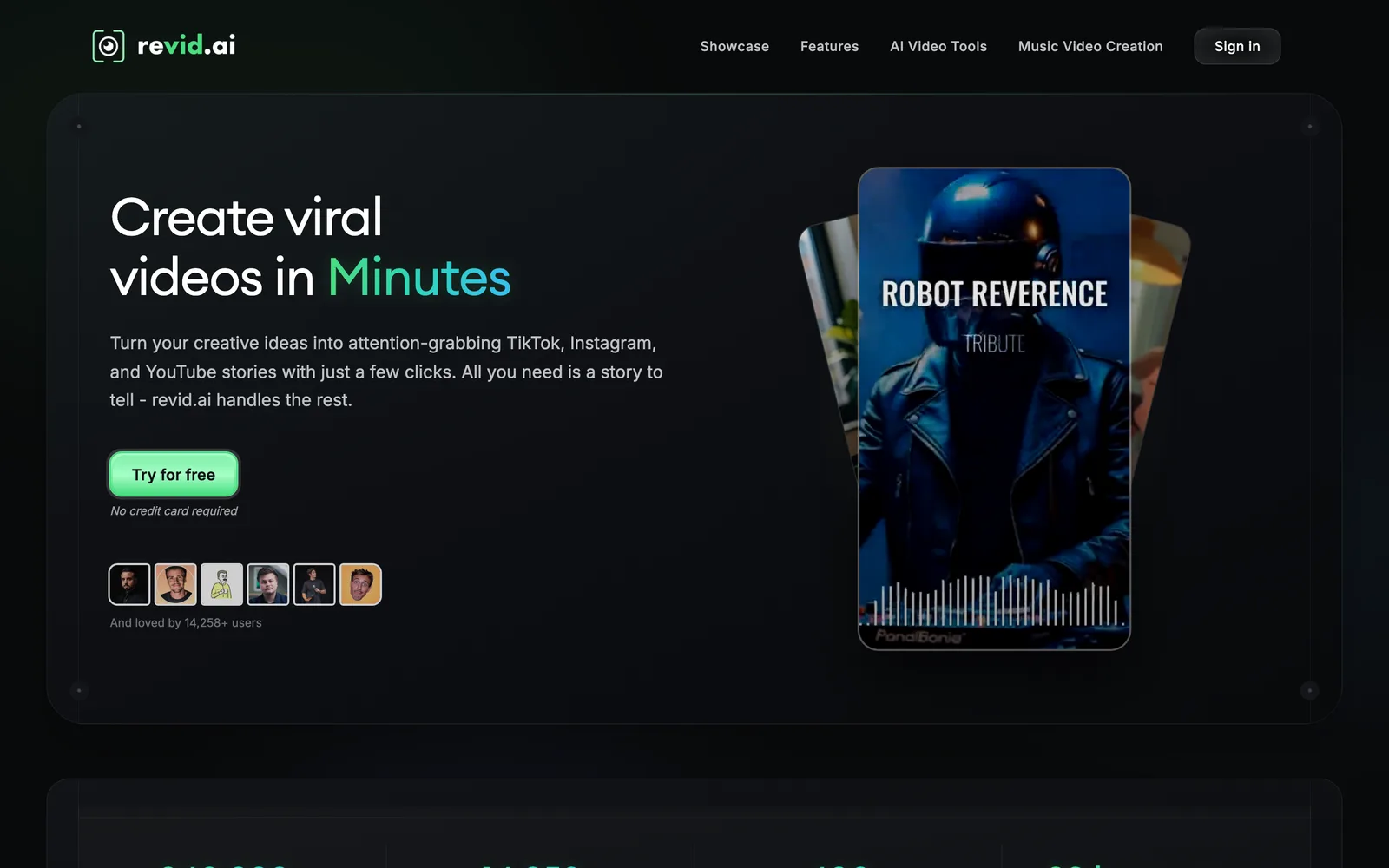
Revid includes auto-caption functionality that detects vocals and generates timed text overlays. The caption timing is accurate for clear vocal delivery: rap verses with distinct syllable placement, sung melodies with clean phrasing. The visual treatment is more dynamic than basic subtitles. Text animates in sync with the beat, scales with emphasis, and uses color and motion to reflect the energy of each section.
The speed is the main differentiator. Revid produces a complete lyric video (background visuals, timed captions, beat-synced animations) in under two minutes. The output is immediately ready for social platforms. For artists who need lyric content for every track on an EP or album, this speed makes the difference between feasible and impossible.
The limitation is typographic customization. You get style presets but not granular control over font pairing, kerning, or per-word animation. If you have a specific typographic vision, Revid's automation may feel constraining. For speed-to-quality ratio, though, it leads the category.
Veed.io: Simple and Reliable
Veed.io approaches lyric videos from the editing side rather than the generative side. Its auto-transcription is accurate, the subtitle styling options are extensive, and you can overlay the text on any background, including waveform visualizations, static images, or uploaded video. The result is clean and professional, if not visually spectacular.
Veed.io is strongest when you already have background visuals and just need the lyric overlay. The transcription handles most English lyrics well, with manual correction needed for heavily processed vocals, non-standard pronunciation, or multilingual tracks. The export quality is solid and the workflow is predictable: upload audio, review transcription, style the text, export.
The weakness is that Veed.io does not generate visuals. The background is either a waveform, a static color, an uploaded image, or imported video. If you want the entire video (background and lyrics) generated from scratch, you need a more complete tool.
Fliki: Text-to-Video with Lyric Support
Fliki takes a different approach: it generates video from text input, which makes it a natural fit for lyrics-driven content. Paste your lyrics, and Fliki generates scene-by-scene visuals that attempt to match the semantic content of each line. A line about rain might generate a rain scene. A line about dancing might generate motion-heavy abstract visuals.
The semantic matching is hit-or-miss. Literal lyrics produce better visual matches than abstract or metaphorical writing. A rap verse with concrete imagery gives Fliki more to work with than a shoegaze track with impressionistic lyrics. The visual quality is competent but not exceptional, closer to stock-footage-level aesthetics with AI-generated transitions.
Fliki works best for artists who want their lyric video to illustrate the song's content rather than just display the text. If your lyrics tell a story with concrete imagery, Fliki can produce a surprisingly coherent visual narrative with minimal manual intervention.
CapCut and Manual Alternatives
For maximum control over typographic design, manual tools still win. CapCut offers extensive text animation presets, per-word timing control, and font customization that no AI tool currently matches. The trade-off is time:manually timing lyrics for a 3-minute track takes 1-2 hours versus minutes in an automated tool.
The hybrid approach works well: use an AI tool to generate the background visuals and rough caption timing, then refine the typography and timing in CapCut. This gives you AI speed for the visually complex work and manual precision for the typographic details that matter most in a lyric video.
AI Lyric Video Generator From Lyrics Only
Some artists start with the words and no finished audio. A text-to-video pipeline can build a lyric video from a lyrics file plus a reference mood, then you drop the vocal in later. Fliki and InVideo work this way: paste the lyrics, choose a voice or leave it silent, pick a visual style, and the tool times each line to the generated pacing. The result needs realignment once the real vocal exists, but it is a fast way to storyboard a release.
If you already have the track, work from audio instead. Tools that listen to the vocal, such as Revid and Veed.io, produce far more accurate word timing than anything that guesses from text alone.
Lyric Music Video Maker for a Full Song
A lyric video for a full three or four minute track is a different job from a 20-second social clip. You need timing that stays locked for the whole duration, typography that varies enough to hold attention, and a background that does not loop obviously. Revid handles full-song timing automatically and keeps section changes visible through motion and colour shifts. Veed.io gives you a timeline where you can correct individual lines by hand, which matters for fast rap delivery or heavily processed vocals. CapCut is the manual fallback: auto-captions plus a template, then you tidy the timing yourself.
Free AI Lyric Video Makers
Revid's free tier produces a timed lyric video with a corner watermark. CapCut is free for most lyric templates and exports clean on many of them. Veed.io's free plan adds a watermark and caps resolution. For the full picture of what each free plan allows, read our free AI music video generator guide.
How to Make an AI Lyric Video in Five Steps
1. Export the final vocal mix as WAV or a high-bitrate MP3. Clean vocals give the AI accurate word boundaries.
2. Upload to your chosen tool and let it transcribe. Correct any misheard words before generating; every tool lets you edit the transcript.
3. Pick a typography preset that matches the genre. Bold condensed type suits hip-hop and electronic; lighter serif or script suits acoustic and pop ballads.
4. Generate in the format you will publish first, usually 9:16 for Reels, TikTok and Shorts, then a 16:9 version for YouTube.
5. Scrub through the chorus and any fast sections to check timing, fix individual lines if the tool allows it, and export at the highest resolution available.
Our Recommendation
For most independent artists, Revid is the fastest path to a complete lyric video that looks good and syncs accurately. If you need more typographic control, layer Veed.io or CapCut on top for the text treatment. If your lyrics are narrative-driven and you want the visuals to illustrate the content, try Fliki.
For the full lyric video category with ranked tools, see our category page. For the complete tool ranking, visit our comparison table.